
You Need a Hardware Wallet
29-01-2026
Main Takeaways
- Peach Bitcoin is the easiest peer-to-peer (P2P) marketplaces, and it has an integrated hot wallet which is a convenient tool to perform trades.
- Use it for what its for, but don't accumulate large amounts in it.
- Get yourself a hardware wallet to accumulate your stack safely.
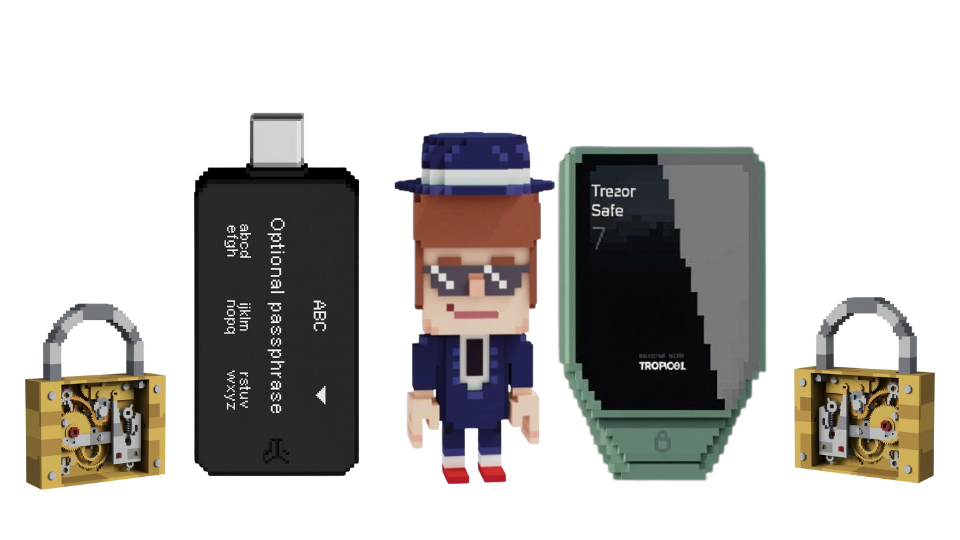
You've been using Peach, stacking sats like a religious madman ? If you're remotely close to having used 10% of the $100k yearly no-KYC limit that Peach offers, there's something you need to use: cold storage. Hot wallets are not secure enough for your funds. You need to buy a hardware wallet, use a passphrase, and have a plan to store your seed phrase.
Know the difference between hot and cold
A hot wallet is similar to what you carry in your pocket, it’s connected to the internet through your phone or computer. Convenient for spending and quick trades, but it's also very "close" to the internet jungle, where online thieves and malware are common.
A cold wallet, on the other hand, is like a heavy-duty safe buried in your backyard. It lives offline, detached from the internet and hackers and digital pickpockets. While it takes a bit more effort to access that vault when you want to move your funds, it is a much safer way to guarantee that your savings stay exactly where you put them.
(Not even going to discuss custodial exchanges, they are not worthy of being mentionned. Not Your Keys, Not Your Coins).
Peach, being entirely on your phone, is a hot wallet. While it is designed properly so as to safeguard your funds (if you know what you are doing, have zero worries), it is also designed for ease of use in a marketplace, to make it easy to spend. So don't store your multi-generational wealth in it, especially if you are relatively new to the concept of individual digital security (see our short blog on this).
The Hardware Wallet Solution
That's what you need if you have any amount in Bitcoin that you care enough about.
A hardware wallet is a dedicated device that keeps your private keys completely isolated from the internet. Even if your computer or mobile is riddled with malware, the malware shouldn't be able to reach the keys inside the device. When you want to make a transaction, the hardware wallet verifies the details on its own secure screen and signs the transaction internally. An unavoidable tool for all respectable Bitcoiners.
If your stack is growing large, keep learning about bitcoin and digital security.
Here's your Security Checklist
-
Buy the device discretely (see ledger leaks, you don't want your home address out-there, linked to bitcoin ownership). Either use another address than your own, buy it for cash from an official reseller, at a conference, or even at your local meetup (make sure the box is scealed and un-tampered with). Otherwise, buy one from a trusted manufacturer like Trezor or Bitbox (we are not affiliated, but we deeply love and respect them).
-
Set it up properly, follow all the instructions that the manufacturer gives you (write the seed on paper and maybe metal, don't take pictures, don't say the words out-loud, cover your camera, etc.)
-
Eventually, use a Passphrase: Add an extra "25th word" or passphrase to your wallet to add an invisible layer of security. If someone steals your hardware or finds your backup, they cannot access your funds without this specific password. Remember to backup and store this passphrase separately from your seed.
-
Don't talk about it. Be smart, unless its a highly trusted relative that needs to know. Have a Plan: Decide where you will store that backup. It needs to be safe from fire, water, and theft, but also accessible to you (or your loved ones) in an emergency. We reccomend Pamela Morgan's book on the topic of inheritance. Don't wait until it's too late.
Peach's hot wallet best usage
Before you get to Cold Storage, you still need to buy your coins. Peach wallet was built to interact with the P2P market easily. At has some useful (and classic) privacy features like
- HD derivation
- address re-use avoidance
- coin-control
- address checker ("is this my address?")
- fund escrow from Peach Wallet (including multiple)
You could avoid using Peach's wallet entirely, if you wish. But it would a slightly different & lengthy process if they want to avoid address re-use (recommended):
- Sellers would have to provide a new refund address after each refund
- Buyers would have to sign the ownership of an external address for each new trade, which is not always doable depending on the wallet you use.
The flow we reccomend
Sellers :
Fund the escrow straight from your external wallet UNLESS you want to publish many sell offers. The Peach wallet comes-in very handy. It will allow you to fund mulitple escrows without having to copy-paste and or scan multiple times. Send the full amount to your Peach wallet, create your multiple offers, hit "fund from peach wallet" et voilà.
Time saved = high.
By the way, you can fund your own sell offers with a different amount than expected by the wallet, but you CANNOT do that for offers you take from buyers. You will have to fund the exact amount.
Buyers :
You can sign the ownership of an external address with Sparrow, but its a hassle. Why not buy into your Peach wallet? Send these precious sats into cold storage when you deem it necessary, or when the mining fees are low.
Happy stacking !
And remember to coinjoin before spending ! :)

In case you have any questions about Peach or bitcoin security, don't hesitate to reach-out through Telegram (and beware of impersonators, admins will never dm you first).
January 29th, 2026